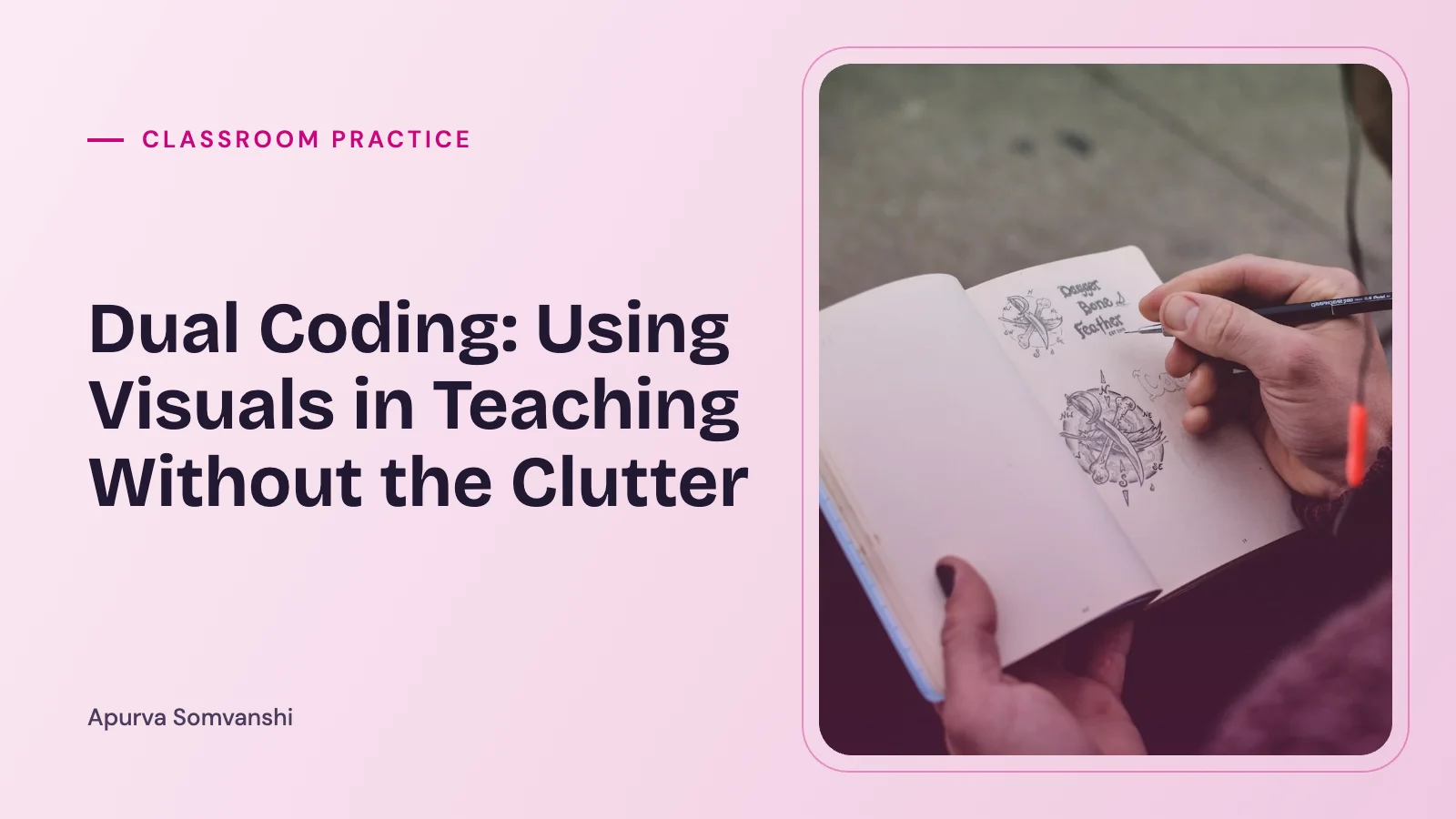
Dual Coding: Using Visuals in Teaching Without the Clutter
What dual coding is, what Paivio and Mayer found about words and pictures, and how to use visuals in lessons so they help learning instead of adding clutter.
ABy Apurva Somvanshi1 February 20264 min read
Work with me
Book a session
One-to-one support for children, parents and young professionals.
See programmesDual coding has become a familiar phrase in staff rooms, and with it has come a lot of slides decorated with clip art. That is a shame, because the idea underneath is simple and useful. Combining words with the right kind of visual can help pupils understand and remember. Combining them with the wrong kind can make learning harder.
Where the idea comes from
The Canadian psychologist Allan Paivio developed dual coding theory from the late 1960s onwards. He proposed that the mind processes information through two connected but separate systems: one for verbal information (words, spoken or written) and one for non-verbal, imagery-based information. Concrete words that are easy to picture, such as “apple”, tend to be remembered better than abstract ones such as “justice”, partly because they can be stored in both systems. James Clark and Paivio’s 1991 article in Educational Psychology Review set out what this might mean for education.
Richard Mayer later built on this in his research on multimedia learning, mostly with explanations of how things work (lightning, pumps, brakes). His central finding, the multimedia principle, is that people learn more deeply from words and pictures together than from words alone. But Mayer’s work is just as much about the limits. Pictures help when they carry meaning and are presented in a way the learner can process.
Dual coding is different from learning styles
Dual coding is sometimes confused with the idea that some pupils are “visual learners” and should be taught mainly through pictures. These are different claims. Dual coding suggests that most learners benefit when suitable words and visuals are combined. A 2008 review by Harold Pashler and colleagues in Psychological Science in the Public Interest found no adequate evidence that matching teaching to a pupil’s preferred learning style improves results.
What Mayer’s principles suggest
Mayer has described a set of design principles, tested across many experiments. A few are especially practical for classroom slides and handouts.
- Coherence. Leave out material that is interesting but not needed. Decorative images, background music and side stories can reduce learning.
- Signalling. Highlight the key parts, for example with arrows, labels or a clear heading, so pupils know where to look.
- Spatial contiguity. Put words next to the part of the picture they describe, rather than in a separate key or on another slide.
- Redundancy. Avoid reading out a slide that contains the same full text pupils are trying to read. Narration with a diagram usually works better than narration, diagram and a paragraph of the same words.
- Segmenting. Break complex explanations into smaller steps, and let pupils pause between them.
These link closely to cognitive load theory, which I have covered in Cognitive Load Theory: Why Less Can Help Children Learn More. The common thread is that working memory is limited, so anything on the page that pupils have to process without it helping them understand is a cost.
In the classroom
Some forms of dual coding that tend to work well:
- Diagrams that show structure: a labelled diagram of the heart, a flow chart of the water cycle, a timeline of the Tudors. The visual shows how parts relate, which words alone describe less efficiently.
- Drawing while explaining: building a diagram live on the board, step by step, while talking through it. Pupils see each part appear as you explain it, which supports both signalling and segmenting.
- Graphic organisers: Venn diagrams for comparing, tables for categorising, cause-and-effect chains. These show the kind of thinking the task requires.
- Pupils creating visuals: asking pupils to turn a paragraph into a diagram, or to sketch a process from memory, combines dual coding with retrieval. There is more on that in Retrieval Practice and Spacing.
For pupils with SEND, and particularly those with language difficulties or who are learning English, clear visuals can lower the barrier to understanding a concept. Visual timetables, symbol-supported instructions and modelled examples all draw on similar ideas.
A quick test before adding a picture
When planning a slide or worksheet, I find it helpful to ask:
- Does this image show something the words cannot show as well?
- Would a pupil understand the concept less well if I removed it?
- Is it placed right next to the words it relates to?
- Is there anything on this slide pupils could ignore without losing anything? If so, can it go?
If the answer to the first two is no, the image is probably decoration. Decoration is not always wrong (a friendly picture can make a worksheet feel less intimidating) but it is not dual coding, and on a crowded slide it competes for attention.
Further reading
- Caviglioli, O. (2019). Dual Coding with Teachers. John Catt Educational.
- Clark, J. M. and Paivio, A. (1991). Dual coding theory and education. Educational Psychology Review, 3(3), 149-210.
- Mayer, R. E. (2021). Multimedia Learning (3rd ed.). Cambridge University Press.
- Paivio, A. (1986). Mental Representations: A Dual Coding Approach. Oxford University Press.
- Pashler, H., McDaniel, M., Rohrer, D. and Bjork, R. (2008). Learning styles: concepts and evidence. Psychological Science in the Public Interest, 9(3), 105-119.
Cover image: Photo by Koushik Chowdavarapu on Unsplash.
Worth remembering
Concrete words that are easy to picture, like 'apple', tend to be remembered better than abstract ones like 'justice'.
Try this
Check one slide or worksheet this week and remove any picture that only decorates rather than explains.
Check what stuck
Tap a card to turn it over.
Apurva Somvanshi
Educator working in inclusive practice and SEND across primary and secondary schools, currently studying for an MSc in Psychology. I write about how children learn, how parents can help, and how adults can live with more attention.
Read my storyKeep reading
Classroom Practice 6 min read
Group Work That Includes Everyone
Classroom Practice 3 min read
Teaching English to Young Learners: Practical First Steps
Classroom Practice 5 min read
Reflective Practice for Teachers: Quick, Honest and Useful
Questions about your child, your class or your next step? Let us talk.
Tell me a little about what is going on and I will reply within a few days.